
IServer 踩坑归集
记录使用超图 iServer 服务调用过程中遇到的各种异常问题、错误排查方案,以及最佳实践开发指南,帮助开发者提高排障效率。
参考文档
地图服务
地图服务名称通常以 map-xxx 开头, 如 https://iserver.supermap.io/iserver/services/map-world/
配置通用的服务接口:
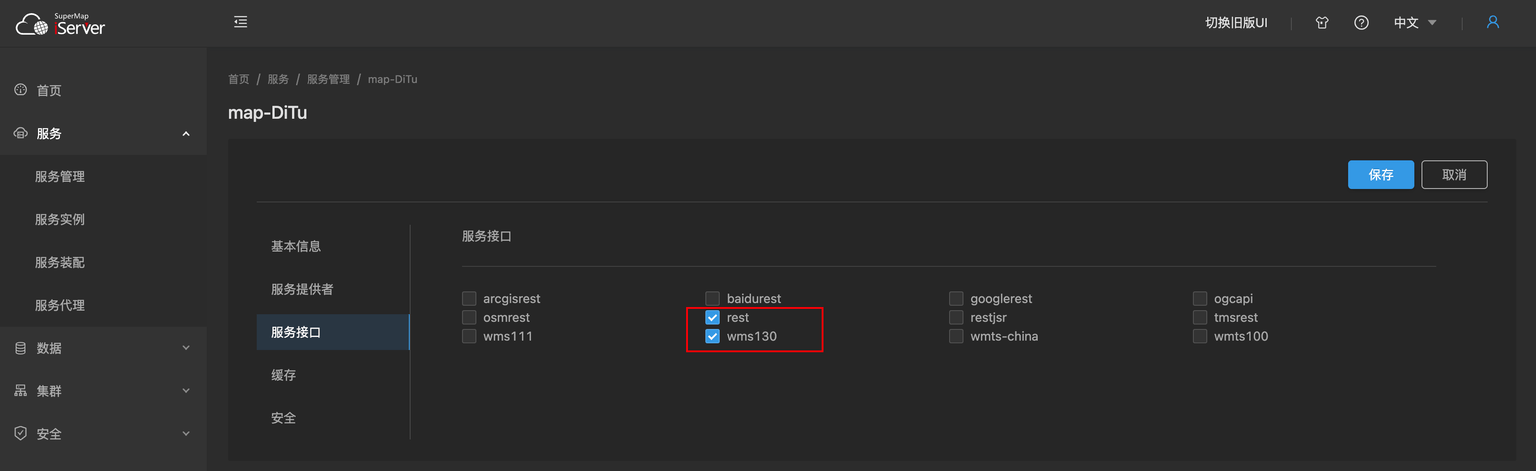
目前项目主要使用的接口有: rest 和 wms130
SuperMap 的
wms110 版本服务支持该值的目的是向后兼容zxyTileImage 瓦片服务
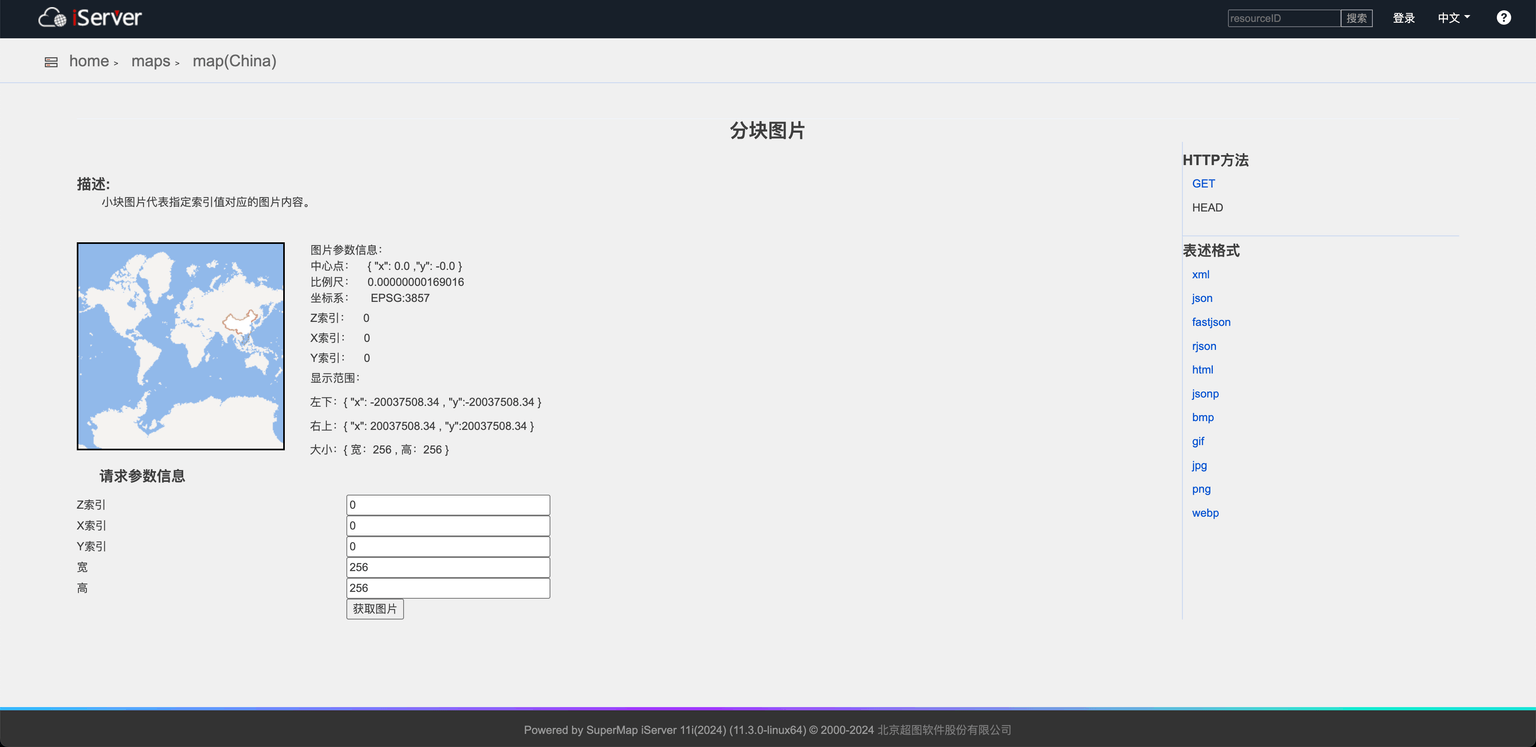
示例服务地址: https://iserver.supermap.io/iserver/services/map-china400/rest/maps/China/zxyTileImage
wms130 服务
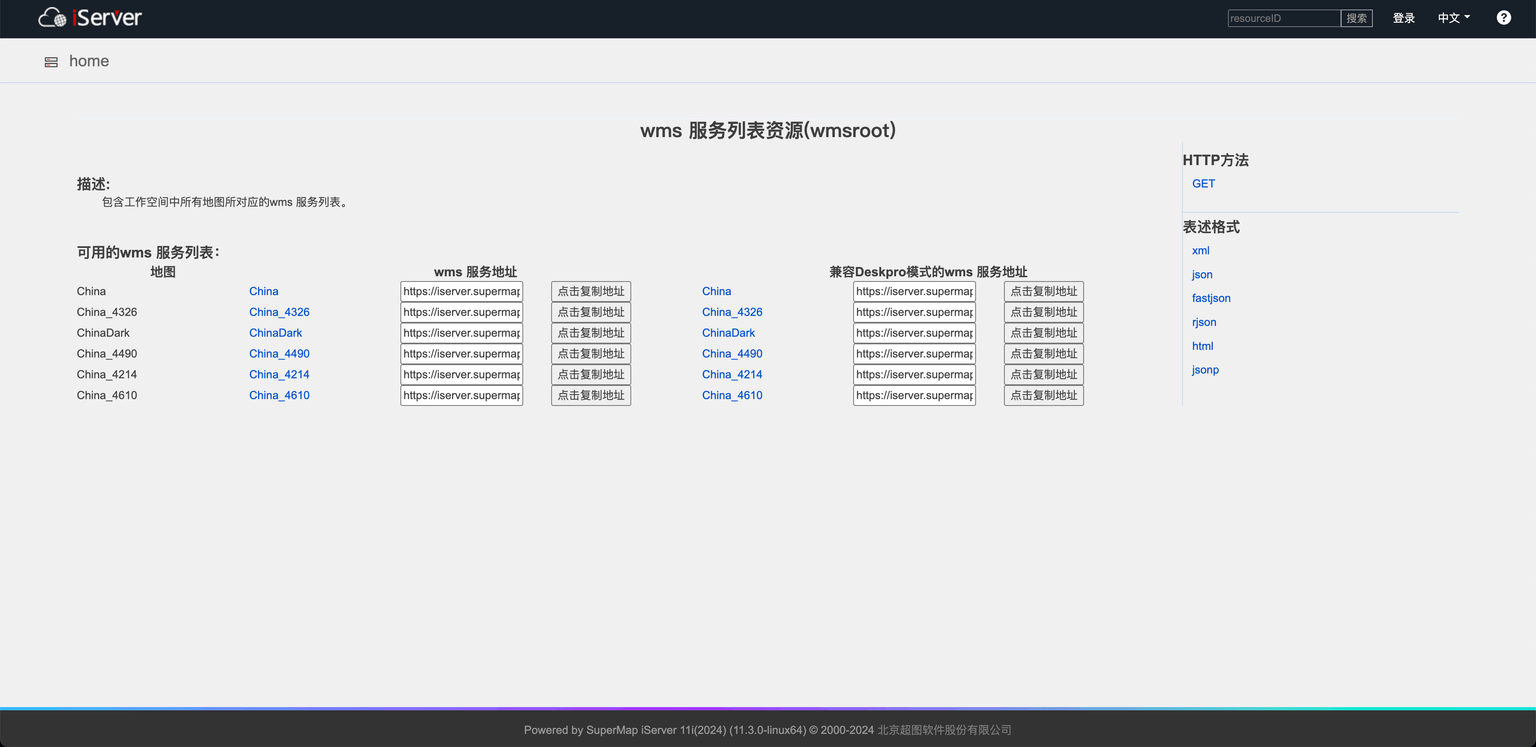
示例服务地址: https://iserver.supermap.io/iserver/services/map-china400/wms130
数据服务
数据服务名称通常以 data-xxx 开头, 如 https://iserver.supermap.io/iserver/services/data-jingjin
配置通用的服务接口:
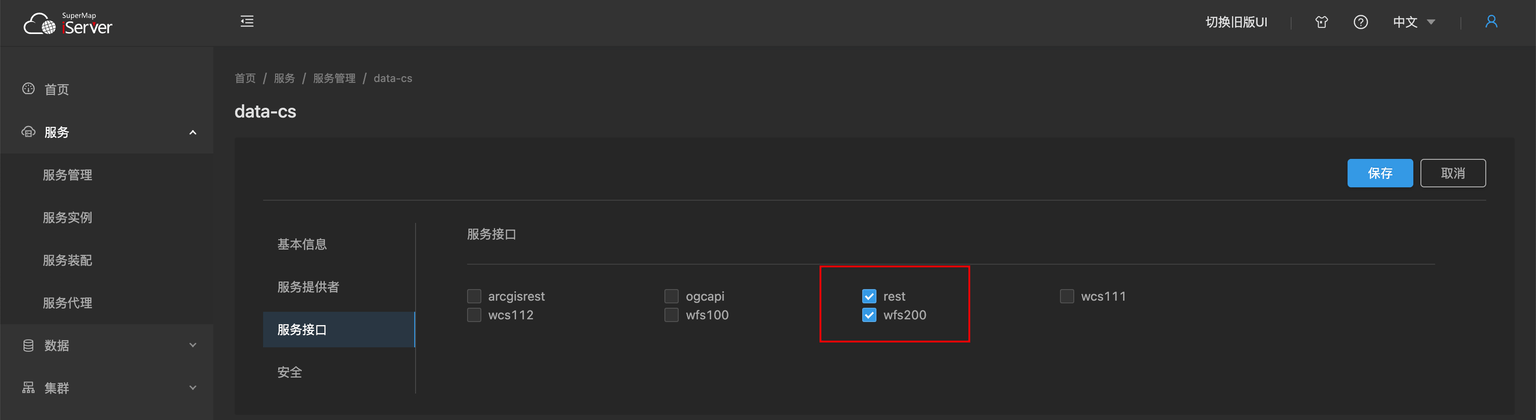
rest 服务
- 数据服务:
https://iserver.supermap.io/iserver/services/data-jingjin/rest/data/featureResults.geojson - 数据集格式: 数据源名称:数据集名称, 如
Jingjin:County_L
wfs2.0 服务
示例服务地址: https://iserver.supermap.io/iserver/services/data-world/wfs200
问题归集 (FAQ)
尝试用 SLD_BODY 自定义 wms 服务的样式, GetMap 请求格式如下,图层样式没有渲染
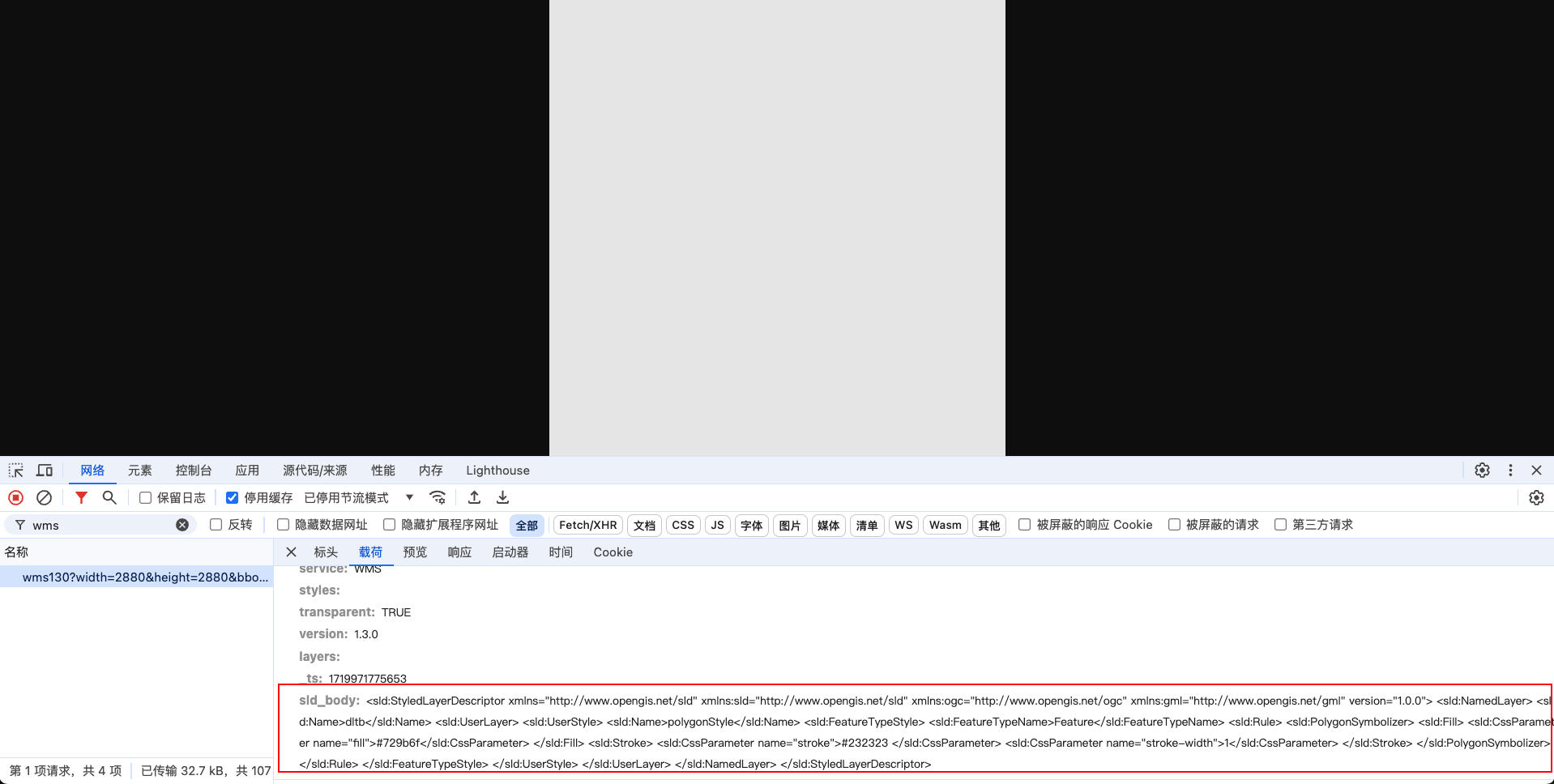
问题原因:
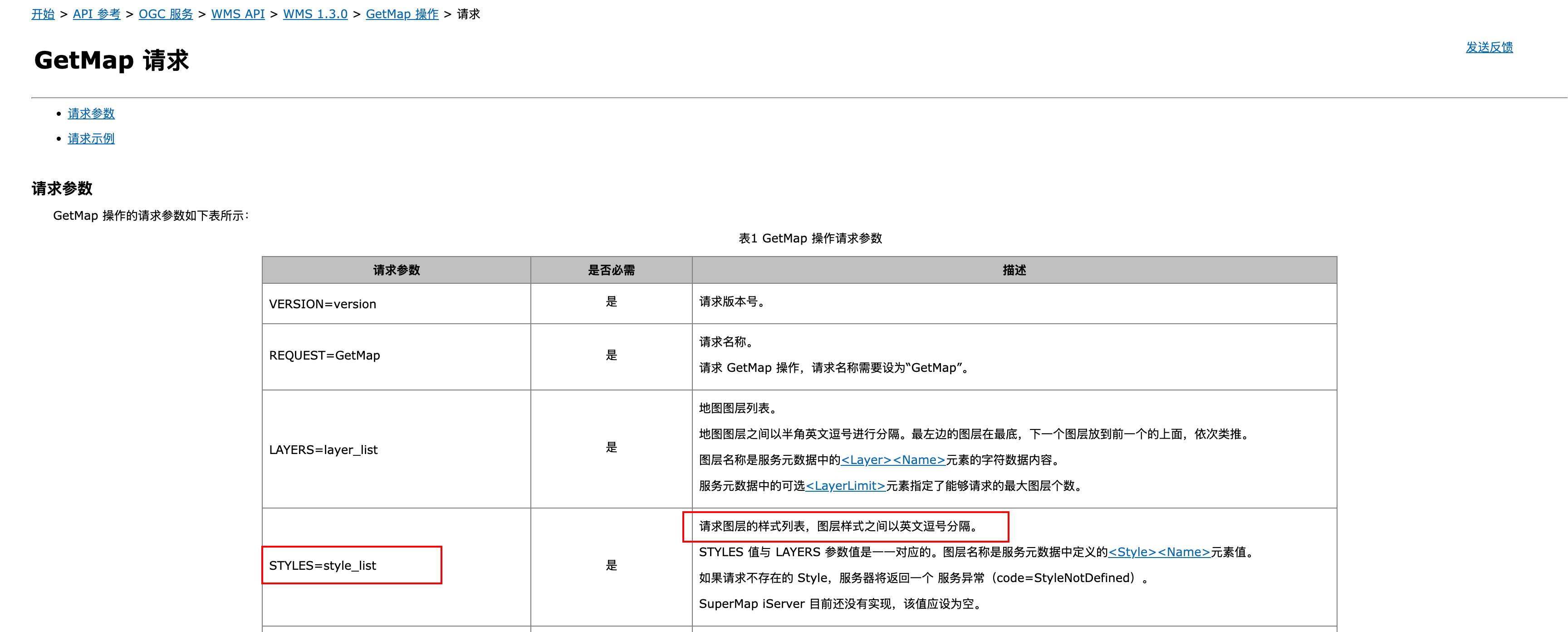
wms 服务目前只支持已定义的图层样式
::note{icon="i-lucide-book" to="http://support.supermap.com.cn/DataWarehouse/WebDocHelp/iServer/API/WMS/WMS130/GetMap/GetMap_request.htm"}
iServer GetMap 请求
::
:::
:::accordion-item{label="地图服务获取 geojson 表述格式错误" icon="i-lucide-circle-help"}
::caution
请求url /iserver/services/map-text/rest/FZJZSSD@cs.geojson 与资源 root 的 url 模板不匹配
::

问题原因:
- 数据服务的要素才有 geojson 表述格式,是否支持 geojson 格式,可以看右侧目录栏
- 地图服务和数据服务属于不同的服务类型,需要重新发布服务并勾选 rest 接口
:::
:::accordion-item{label="报错:400 ,msg:对象已经被释放" icon="i-lucide-circle-help"}
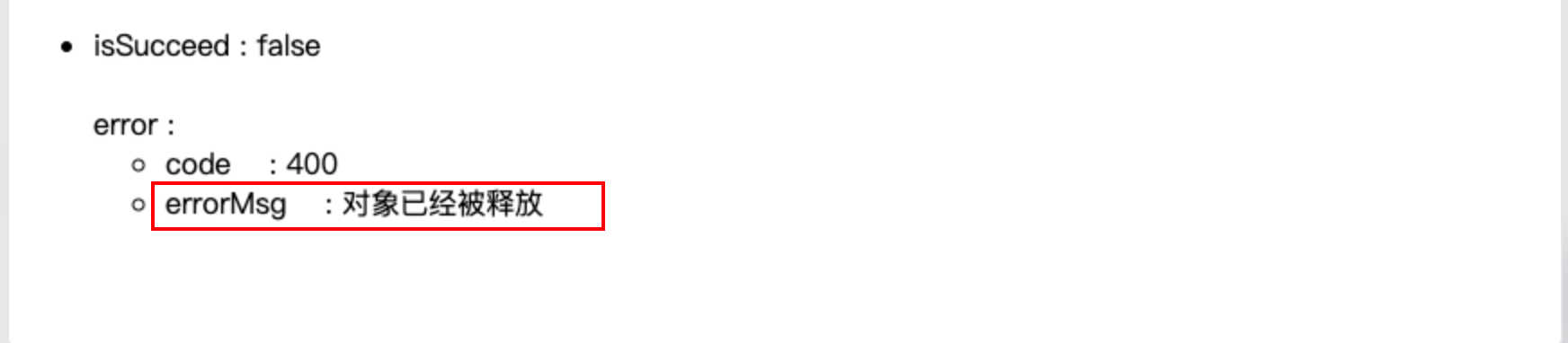
问题原因:
可能是数据库数据不同步,先用文件型数据源试下接口请求是否正确
:::
:::accordion-item{label="wfs2.0 服务获取描述文档成功,获取要素的时候报错" icon="i-lucide-circle-help"}
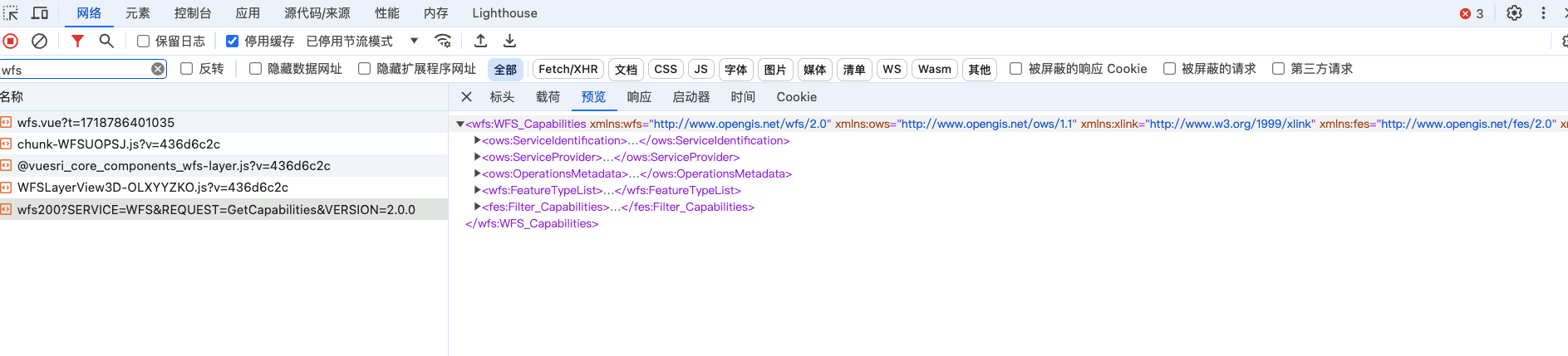

问题原因:
- iserver 版本为 `iserver 2023 11i` ,不支持 geojson 输出
supermap wfs2.0 执行 GetFeature 操作支持 `outputFormat=json` 输出,但是 xml 表述文档中没有加上`<ows:Value>json</ows:Value>`, 猜测是这个原因导致 arcgis 提示不支持
:::
:::accordion-item{label="wfs2.0服务的点击事件拿不到要素全部属性值" icon="i-lucide-circle-help"}
有个需求为点击地块展示详情,但是获取到的要素只有部分属性值
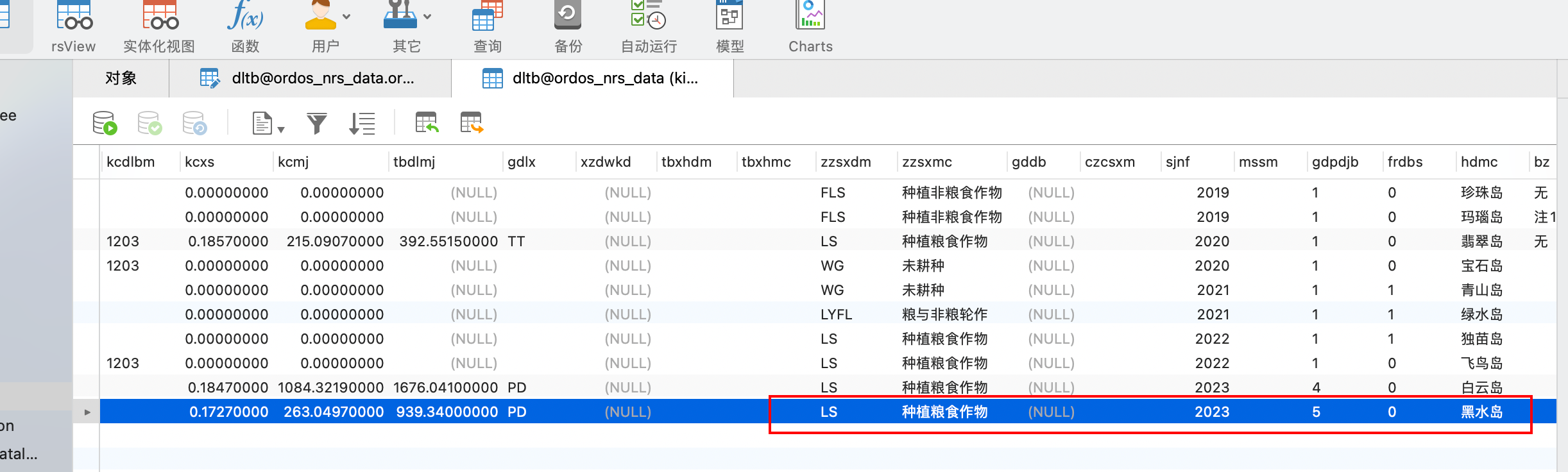
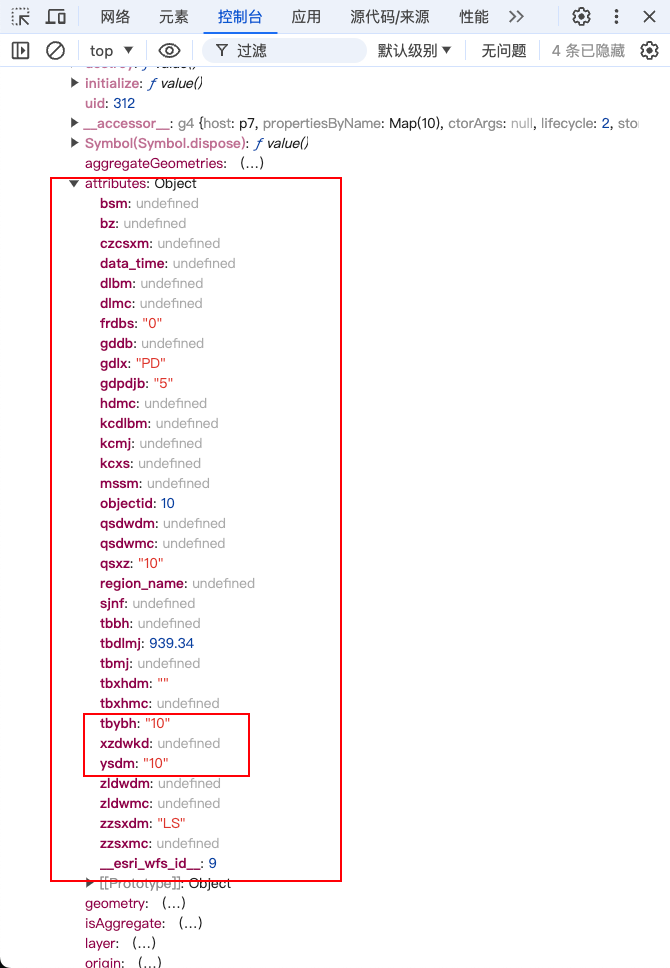
问题原因:
`iServer` 的 `GetFeature` 请求使用 `FILTER` 参数,编码语言为 `urn:ogc:def:query Language:OGC-FES:Filter`
::note{icon="i-lucide-book" to="http://support.supermap.com.cn/DataWarehouse/WebDocHelp/iServer/API/WFS/WFS200/GetFeature/FILTER.htm"}
iServer FILTER 示例
::
可以通过 `esri_wfs_id` 与 `表名` 传给后端,后端根据 `esri_wfs_id` 查询数据库,返回结果
:::
:::accordion-item{label="如何获取地图当前状态的基本信息" icon="i-lucide-circle-help"}
[iServer map 资源](http://support.supermap.com.cn/DataWarehouse/WebDocHelp/iServer/mergedProjects/SuperMapiServerRESTAPI/root/maps/map/map.htm)
获取服务的四至范围,用来实现服务跳转定位
:::
:::accordion-item{label="列出当前地图中所有图层的图例" icon="i-lucide-circle-help"}
利用上面的问题6,获取到服务的四至范围,然后拼接成 `BBOX` 参数,
```ts
const bbox = `${bounds.left},${bounds.bottom},${bounds.right},${bounds.top}`
const url = `https://iserver.supermap.io/iserver/services/map-china400/rest/maps/China/legend.rjson?returnVisibleOnly=true&bbox=-20037508.34,-20037508.34,20037508.34,20037508.34`
```
:::
::
::